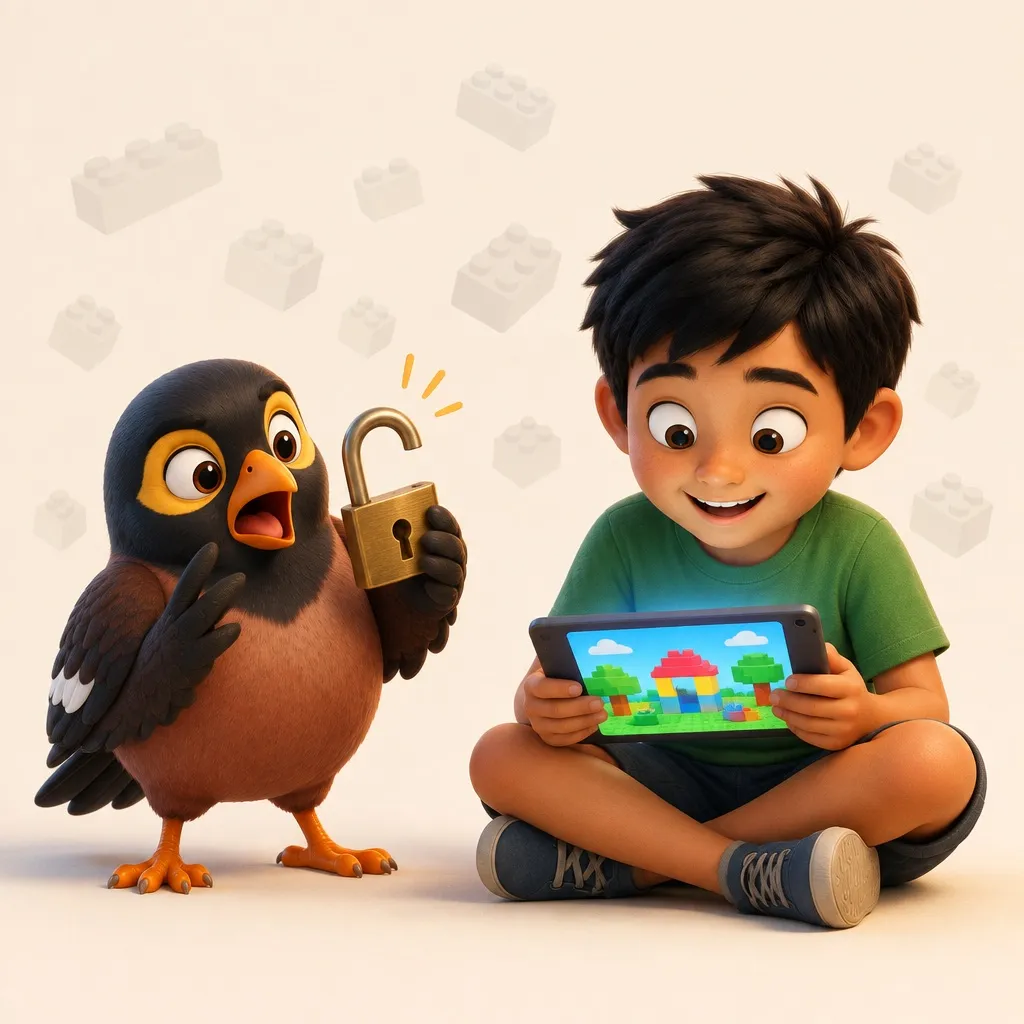
Aunty runs your household.
She locks down your kid's first phone, chases the chores, and talks to your helper in her own language. Pick the Aunty your family already knows.
Tap a face to hear her.
Pick the Aunty that sounds like family.
Eight of them below. Tap a face to hear how she sounds; from kopitiam matriarch to Brooklyn Grandma, there's one your family will recognise, and more in the app.
Tap any aunty to hear her voice.
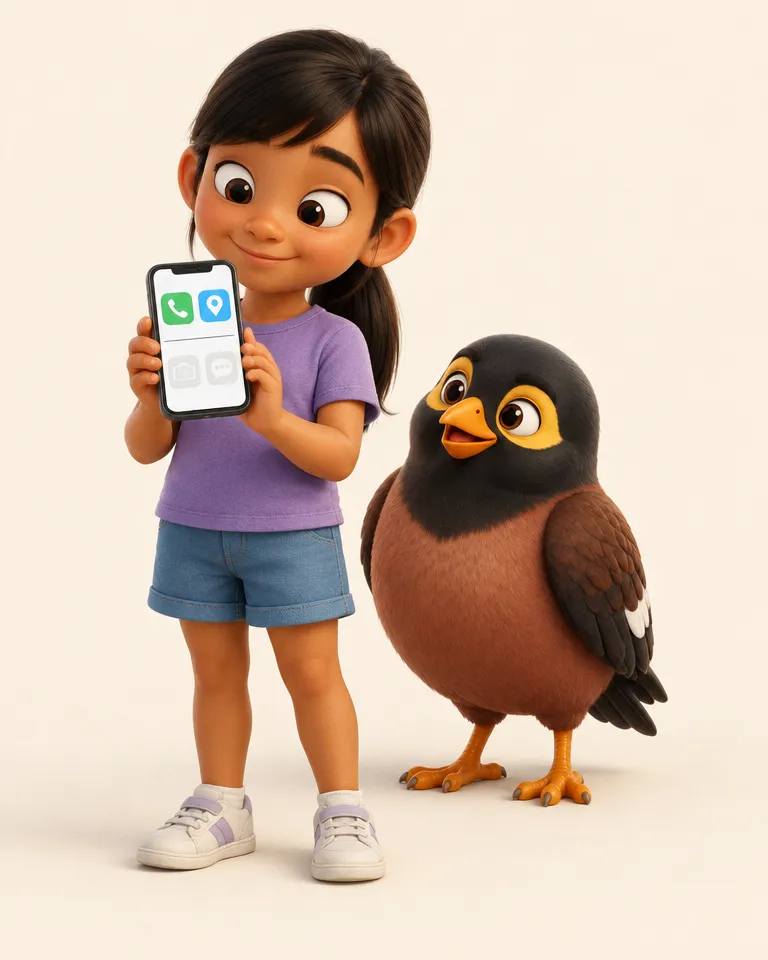
Your child's first phone. Here's what she sees.
Her family's faces, one tap to call. Family chat, and today's plan. Phone and Maps, always there, because safety doesn't wait. Nothing else, unless she asks.
- She asks, you decide. She taps "Ask a parent". You get a ping, allow the app for a window, and it disappears after. Every yes is yours, on the day.
- No store, no browser, no feeds. Not a setting she can nudge. The home screen itself only holds what the family put there.
- A quiet "arrived home". One gentle ping when she gets in. Location shows to the adults in the household, and it is a glance, not a feed.
A reminder, on her phone
“Eh Laura girl, just reminder hor, in ten minutes you got…”
Built to sit inside Singapore's Grow Well SG guidance. What the framework actually says →
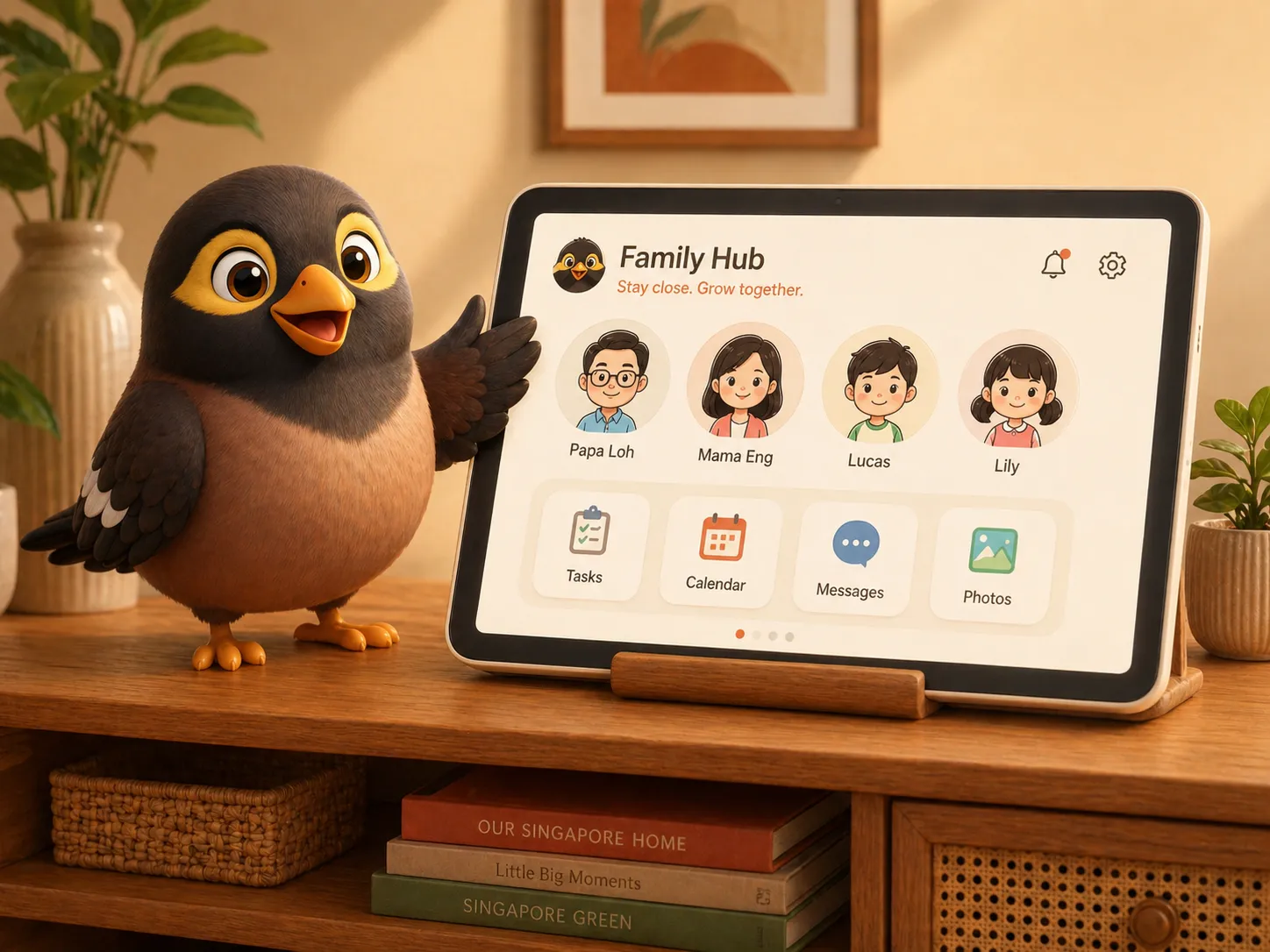
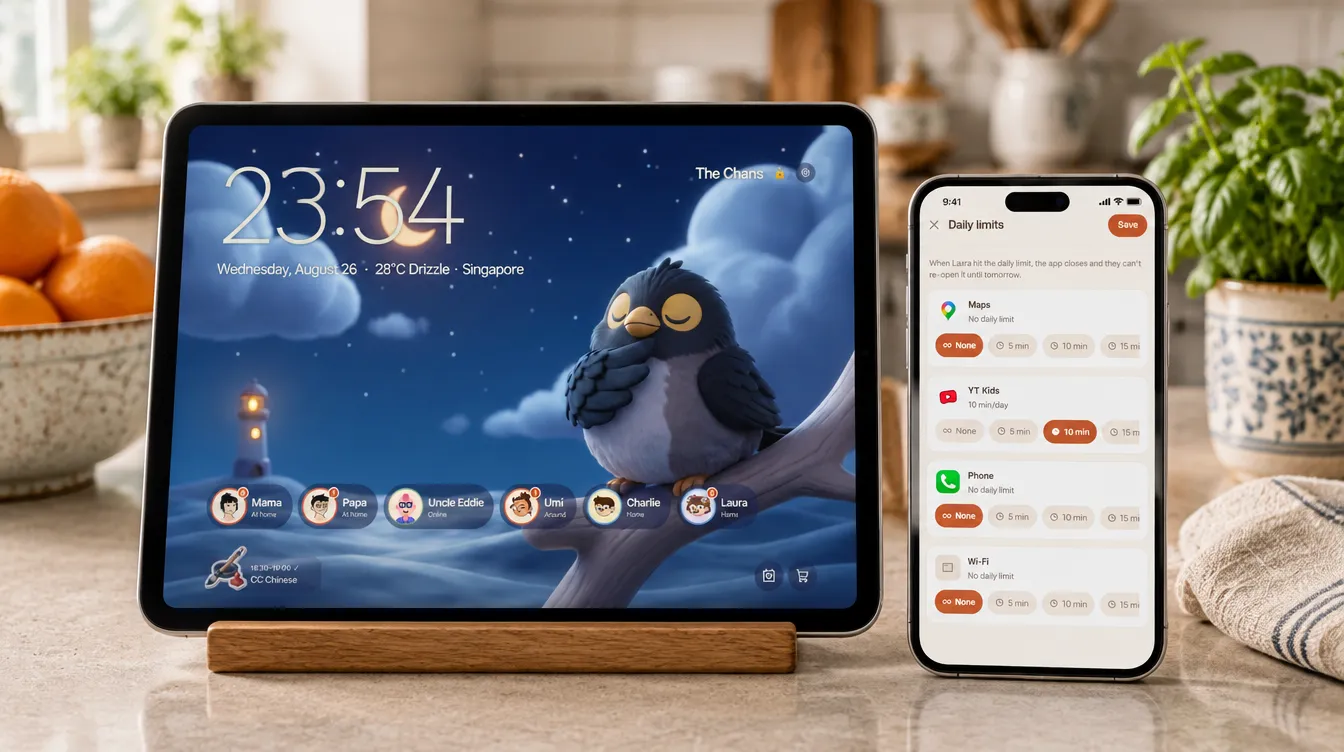
The hub. Tap a face, you're talking.
Any spare tablet, on the wall or the TV console. Big faces, no logins, no settings. Whoever walks past taps a face and they're on a call.
- Drop In: a hands-free intercom between rooms, and to the phones outside
- Announcements spoken aloud, in Aunty's voice
- Today's chores, meals and pickups on one screen everyone walks past
An announcement, over the hub
“Eh you guys, Papa send message. Guys, tomorrow…”
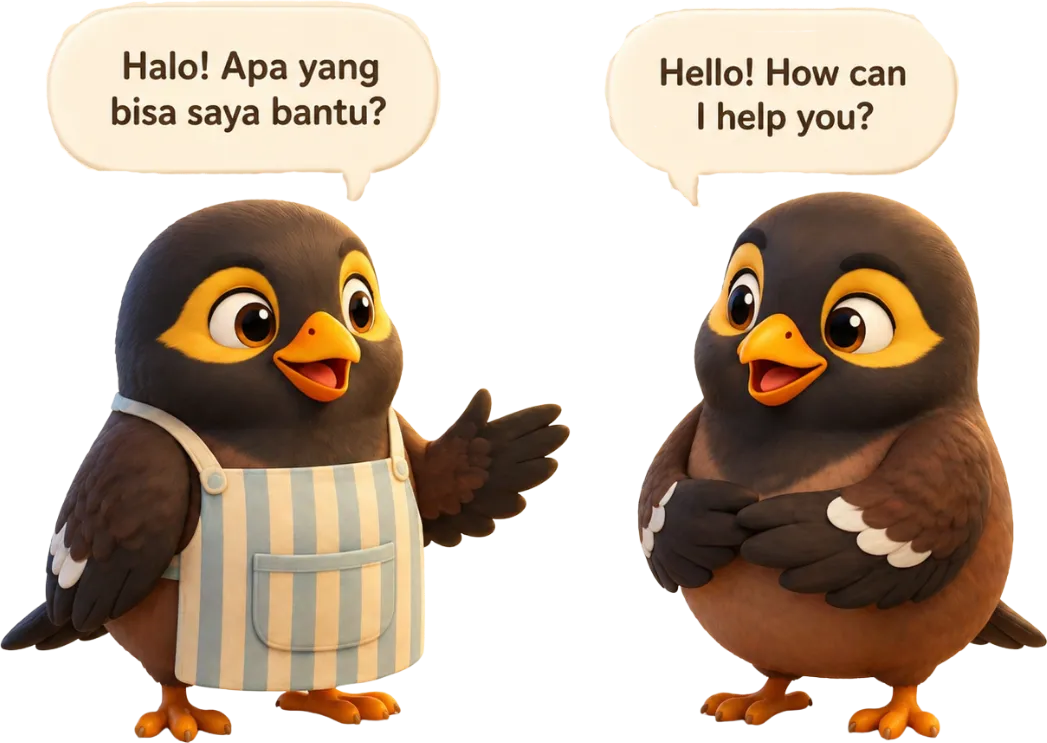
Helpers feel like family.
Say it once in your language. She hears it in hers, in Aunty's voice, and can answer the same way. The instruction survives the shoe-putting-on moment.
You say it, in English
“Siti, please make sure you don't mix the dark colour clothes with the white ones in the washing machine, ok?”
Siti hears it, in Bahasa
“Siti, tolong pastikan kamu tidak mencampur baju warna gelap dengan yang putih di mesin cuci, ya?”
Tagalog and Burmese too. Voice notes go both ways.
She does the reminding.
You do the loving.
Tell her once. She reminds, she nags, she cheers, and she keeps the small facts a household runs on, private to your family and recalled the moment anyone asks.

She reminds. Then she nags.
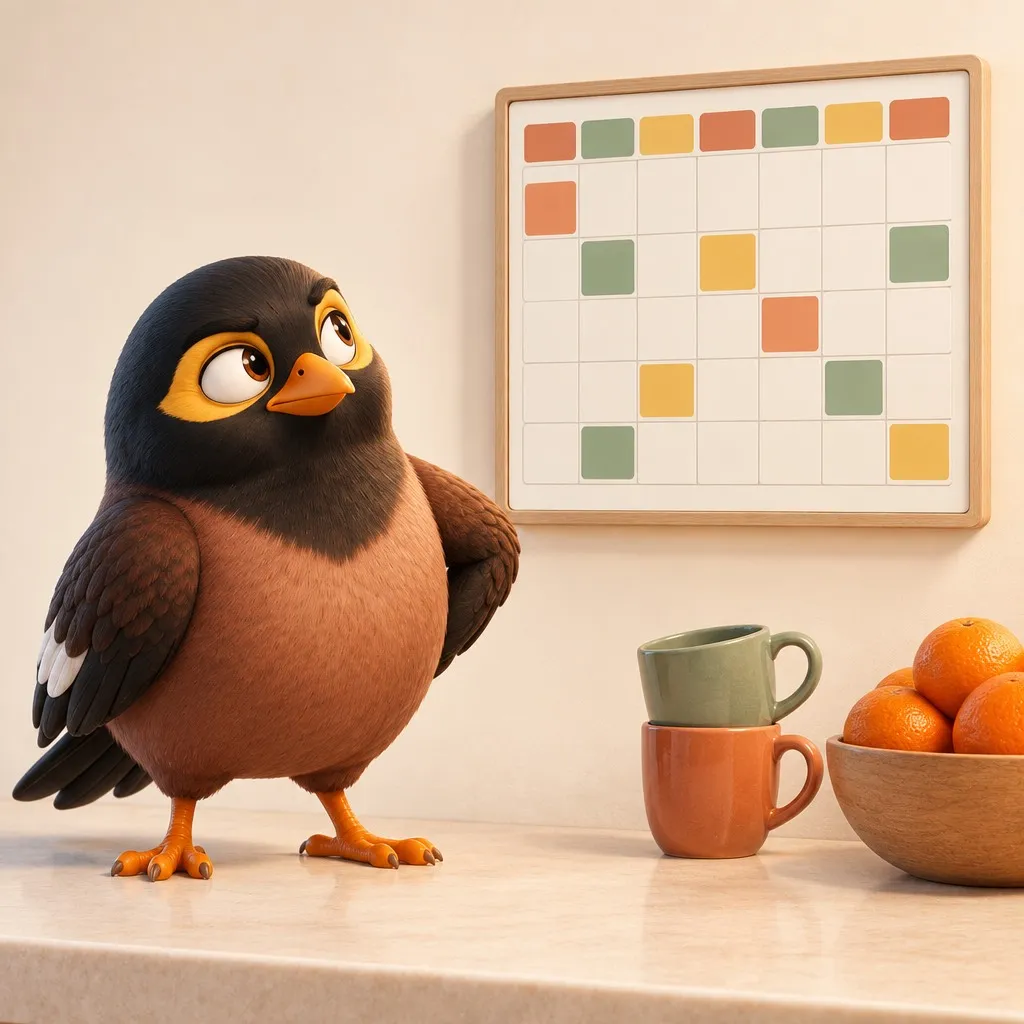
Set it once. Daily, weekly, the night before. Aunty says it on the kid's phone at the right time, in the right tone, so you stop being a voice memo on loop.
Hear it

She cheers when it's done.
A gold star and a word from Aunty land differently than a tick in an app. Good habits get noticed by someone.
Hear it
She remembers everything.
Wifi passwords, shoe sizes, the paediatrician's number, when the passports expire. Snap a document or forward an email; it is filed, and one question away.

Ready to meet Aunty?
Free early access for a small group of families. It's still a little rough in places, and your honest feedback decides what we build next.
On Android
Two steps, and you need both.
- 1
Join the testers group first.
Join the group → - 2
Then opt in and install from Google Play.
Become a tester →
On iPhone
Via TestFlight. No sign-up needed.
Tap below, install TestFlight if prompted, then accept the invite. That's it.
Join on TestFlight →Already a tester? Read the getting-started guide →
Free to start. Pro when you're ready.
Family Free
Always freeEverything a household needs to actually run.
- The kid's phone lock, Guardian and the allowed-apps list, and it never stops working over a billing problem
- Saying no to a request is always free. So is your child asking
- Family messaging, voice notes and as many voice calls as you like
- The shared calendar, tasks and the shopping list
- The first reminder on every task
- Aunty still speaks, in short lines rather than reading things out
Family Pro
Aunty at full voice, and the controls that need her.
- She reads messages out in full, in the persona your family picked
- Premium voices, and translation spoken aloud both ways
- Nags that escalate until the thing is actually done
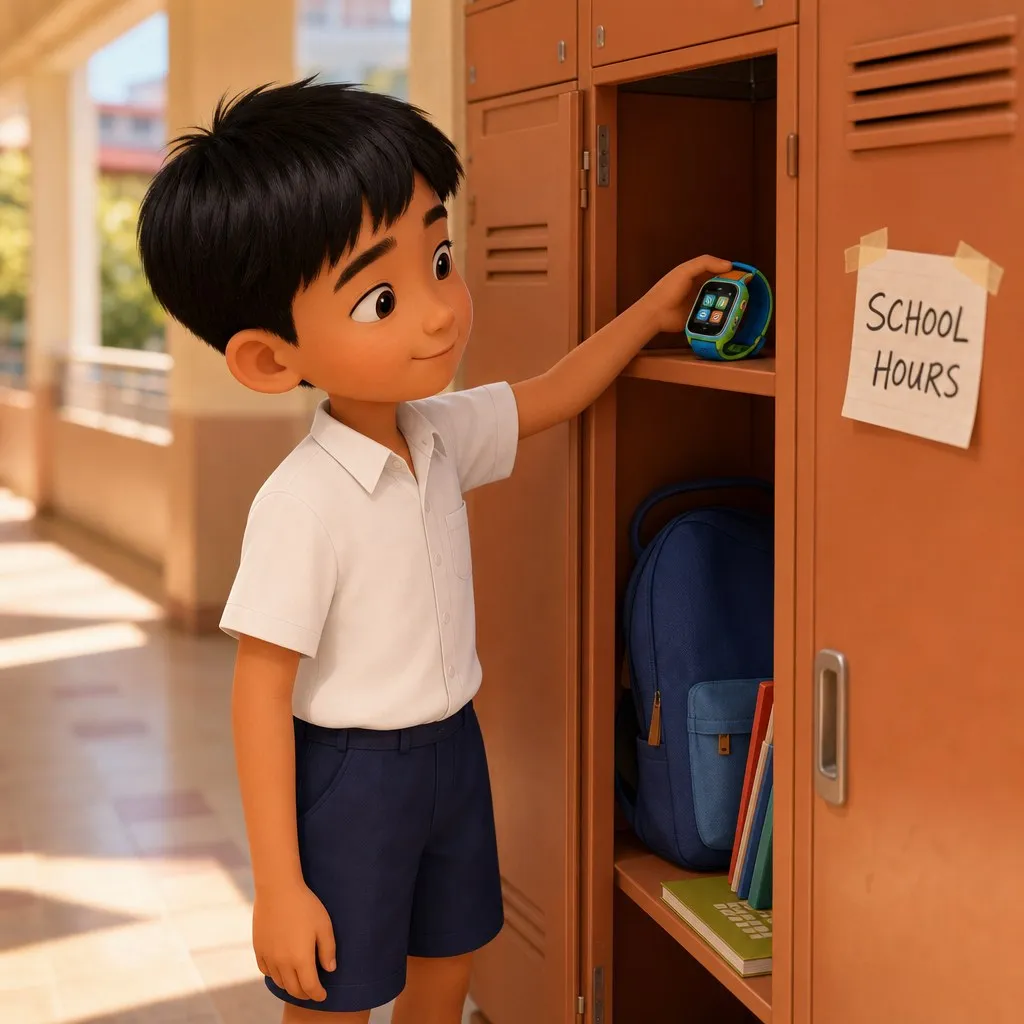
- Daily limits per app, plus bedtime and school-hours windows
- Live family location, and where they have been
- Approving a request for more time or a blocked app, from your phone
- Two-way sync with Apple and Google Calendar
- Longer calls and longer Drop In sessions
Prices in Singapore dollars. The beta is free, no card needed.
Built in Singapore. Where parenting is a contact sport.
Multigenerational, multilingual, multi-tuition. We built myna for the way families here actually run, chaos and all.

Built in Singapore. Where parenting is a contact sport.
Multigenerational, multilingual, multi-tuition. We built myna for the way families here actually run, chaos and all.