

How to introduce your kids to AI, before the internet does it for you
Most children will meet AI this year whether you plan it or not. What the age rules actually say, what the experts advise at each age, the five habits worth teaching, and why the first AI your child meets can be one that lives inside the family.
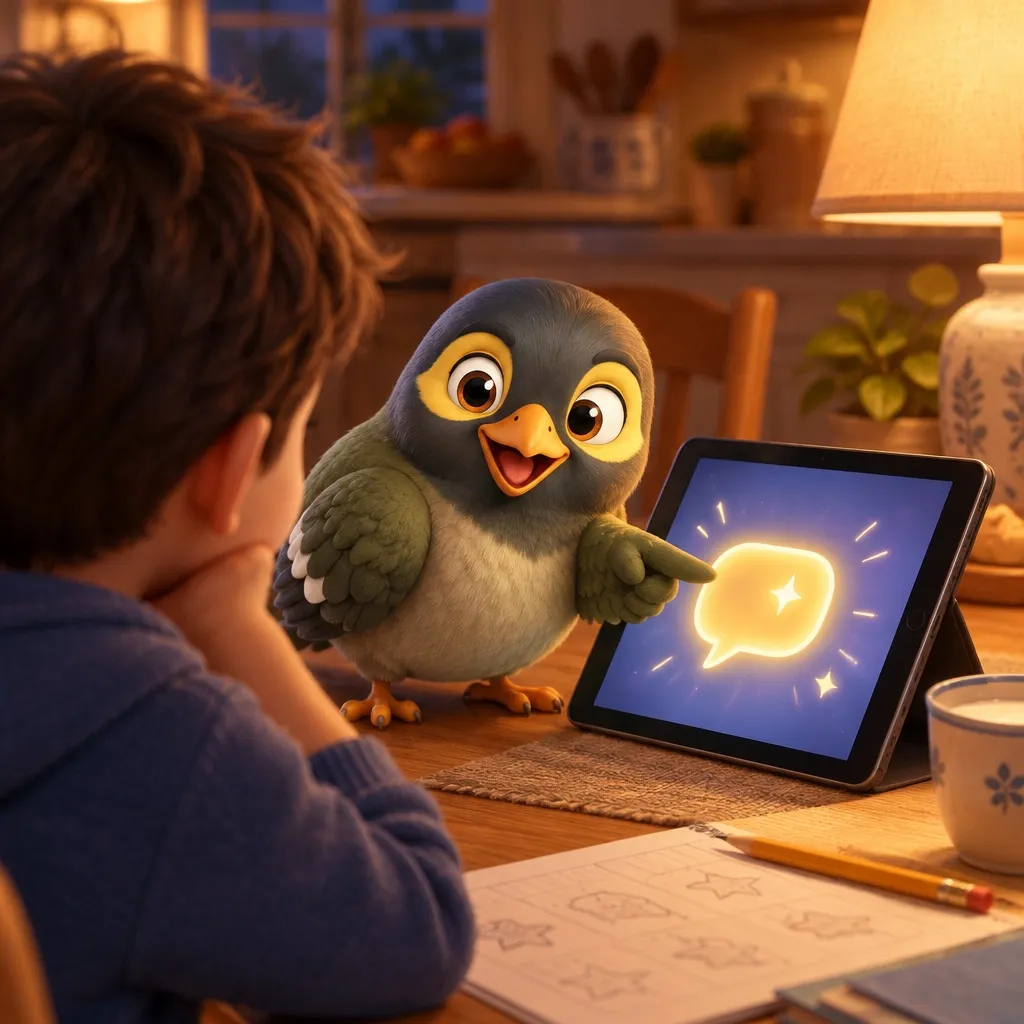
Your child will meet AI this year. Probably in a homework app, a search box, a game, or a friend’s phone at recess. The only real choice you have is whether they meet it with you or without you.
The numbers say most parents are a step behind. In Pew’s survey of US teens, 64% use AI chatbots and more than half have used them for schoolwork. Yet only 51% of parents think their teen uses one at all, and roughly four in ten haven’t talked to their teen about it (Pew, parents).
So this is less about whether to introduce AI, and more about how to do it on your terms.
What the age rules actually say
| Service | The rule, as of October 2026 |
|---|---|
| ChatGPT | 13+; under-18s need a parent’s permission and get a teen version (OpenAI) |
| Google Gemini | Under-13s only through a Family Link account, parent can switch it off; not available to supervised accounts in the UK, EEA or Switzerland (Google) |
| Character.AI | No open-ended chat for under-18s since November 2025 (Character.AI) |
| Meta AI | Parents can limit teens’ AI chats; on WhatsApp you can choose a stricter “Limited” setting (9to5Mac) |
| Snapchat My AI | Parents can stop My AI responding to their teen through Family Center (Snap) |
| Claude | 18+ only (Anthropic) |
One thing parents often assume and shouldn’t: linking your ChatGPT account to your teen’s does not let you read their conversations. You can set quiet hours, switch off memory, voice or image generation, and turn on study mode, and you’ll get an alert in serious safety cases. The chats stay theirs (OpenAI help).
Age by age: what the experts advise
Common Sense Media’s guidance is the clearest line anyone has drawn, so it’s the spine here:
5 and under: none. No AI chatbots. Curiosity about how voice assistants or robots work is fine to talk about; a chatbot account isn’t needed for that.
6 to 12: only with an adult alongside. Use it together. UNICEF’s advice is to explore the answers as a pair and ask what seemed helpful or confusing. That conversation is the lesson; the chatbot is just the prop.
13 to 17: independently, for schoolwork and creative projects. Not for companionship, mental health or emotional support, at any age under 18.
In Singapore, school sets the pace. MOE told Parliament in May 2026 that primary 1 to 3 pupils won’t get work that requires AI, primary 4 to 6 use only education-specific tools, and students must declare where they used AI. Updates reach parents through Parents Gateway.
Five habits worth teaching before the first chat
- It can be confidently wrong. Check anything that matters against a book, a teacher or a trusted site. Make a game of catching it out.
- Never tell it anything private. Not your address, your school, your passwords, or a friend’s secret. UNICEF notes children share feelings and friendship details without realising that’s sensitive.
- It isn’t a friend. It’s a tool that’s very good at sounding like one. Google’s own guidance tells children not to treat Gemini as a friend. When something is hard, talk to a person.
- Say when you used it. It’s honest, and in Singapore schools it’s the rule.
- The work is yours. AI can explain a sum or suggest a word. It doesn’t get to write the essay.
Talk about it before they find it
The American Academy of Pediatrics calls avoiding chatbots entirely unrealistic, and suggests asking about AI routinely and without judgement. In practice that’s a dinner-table question, not a lecture: what did you ask it this week, and did it get anything wrong?
Watch for what UNICEF flags: secrecy, anxiety, or AI crowding out sleep, schoolwork and friends.
The part nobody mentions: their first AI can live at home
Every guide above assumes the first AI your child meets is out there, behind a browser, built for the whole world. It doesn’t have to be.
That’s the idea behind myna. Aunty is an AI, and she’s built for one household, yours. On a child’s phone she’s pinned at the top of their chats, and here’s what that looks like, plainly:
- She knows their world. Today’s schedule, their chores, when swimming is. Ask her what’s on tomorrow and she knows.
- She knows she’s talking to a child. She won’t share the family’s private details, such as passwords, documents, health or money, with a child, and a child can’t change any settings through her.
- The family’s memory stays the parents’. A child can’t add to it. If you switch on journalling, anything they ask her to save goes to a parent to review first.
- She sits inside a closed phone. On an Android phone set up with myna there’s no browser, no app store and no social media unless you allow them, so she isn’t one door among a hundred. If your child wants another app, a chatbot included, they ask, and you decide. (How the closed phone works.)
What she isn’t: a friend or a therapist, and the advice above applies to her too. We built her for the household’s jobs: the reminders, the schedule, the everyday questions, nudging everyone out of the door on time.
Aunty’s full conversation is part of myna Pro, which you can try free for 21 days with no card.
The question that matters
Not “should my child use AI?” They will. Ask instead: who is my child’s first AI, and who set it up?
If the answer is a companion app they found on their own, that’s the version every expert above warns about. If it’s one you chose, that knows bedtime and answers to you, with the five habits taught alongside, that’s an introduction rather than an ambush.
For the bigger picture on first phones, start with safe phones for tweens, and for keeping limits that actually hold, screen time limits that hold.
What you will ask next
What age can kids use ChatGPT?
OpenAI's terms say 13 or older, and anyone under 18 needs a parent's permission. Teens are placed into a teen version with study tools and stricter content rules.
Can I see my teen's ChatGPT conversations?
No. Linking your account to your teen's lets you change settings such as quiet hours, memory and image generation, and you can get a safety alert in serious cases, but you can't read their chats.
Is AI safe for an eight-year-old?
Common Sense Media's advice is that children aged 6 to 12 use AI chatbots only with an adult alongside them. Gemini can be switched on for under-13s through a Google Family Link account, and Google itself says its filters aren't perfect.
Should my child use AI for homework?
Follow the school's rules first. In Singapore, MOE says primary 1 to 3 pupils won't be given work that needs AI, primary 4 to 6 use only tools built for education, and students must say where they used AI. At home, the useful rule is: AI can explain, but the work is yours.
What kind of AI is riskiest for children?
Companion chatbots: the ones built to be a friend or a partner. Common Sense Media advises that no one under 18 use AI for companionship or emotional support, and Character.AI ended open-ended chat for under-18s in November 2025.
myna keeps the whole household's day in one place, with an Aunty who does the reminding.
Get myna free